Ingest Skycope
The Ingest Skycope tab allows users to configure inbound data from Skycope detection systems.
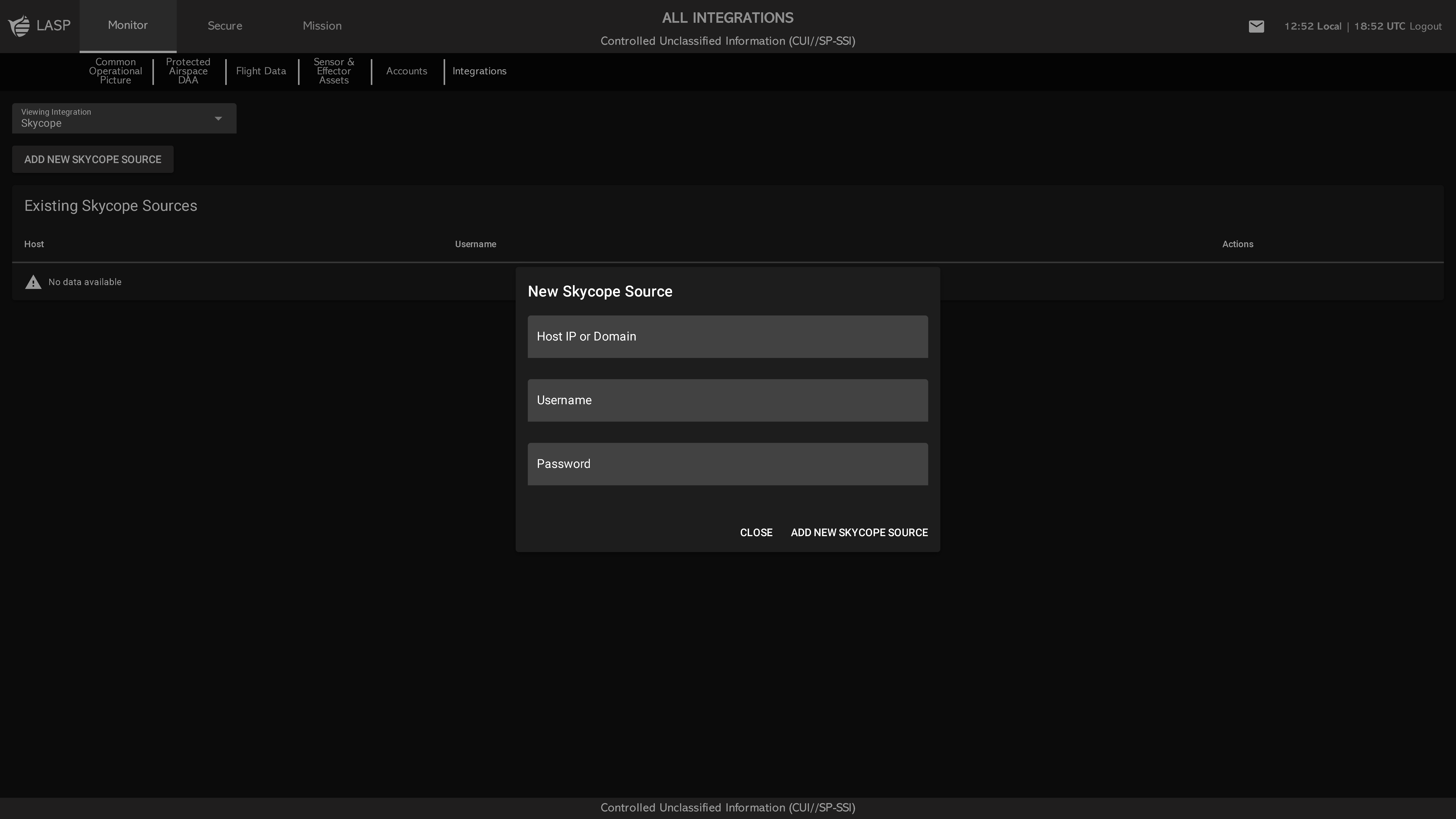
Main Table View
The table displays all configured Skycope sources with the following columns:
- Host
- Username
- Actions
- Green when the connection is healthy (operational)
- Red when the sensor is not responding or offline
Adding a New Source
Click ADD NEW SKYCOPE to open a popup with the following input fields:
- Host IP or Domain
- Skycope Sensor ID
- Username
- Password
- Select Asset (Dropdown) – Select an existing asset to connect as the heartbeat source
- ADD NEW ASSET – Optional button that allows the user to create and connect a new heartbeat asset directly from the popup