Ingest pingStation
The Ingest pingStation tab allows users to configure and manage inbound data from pingStation ADS-B sensors.
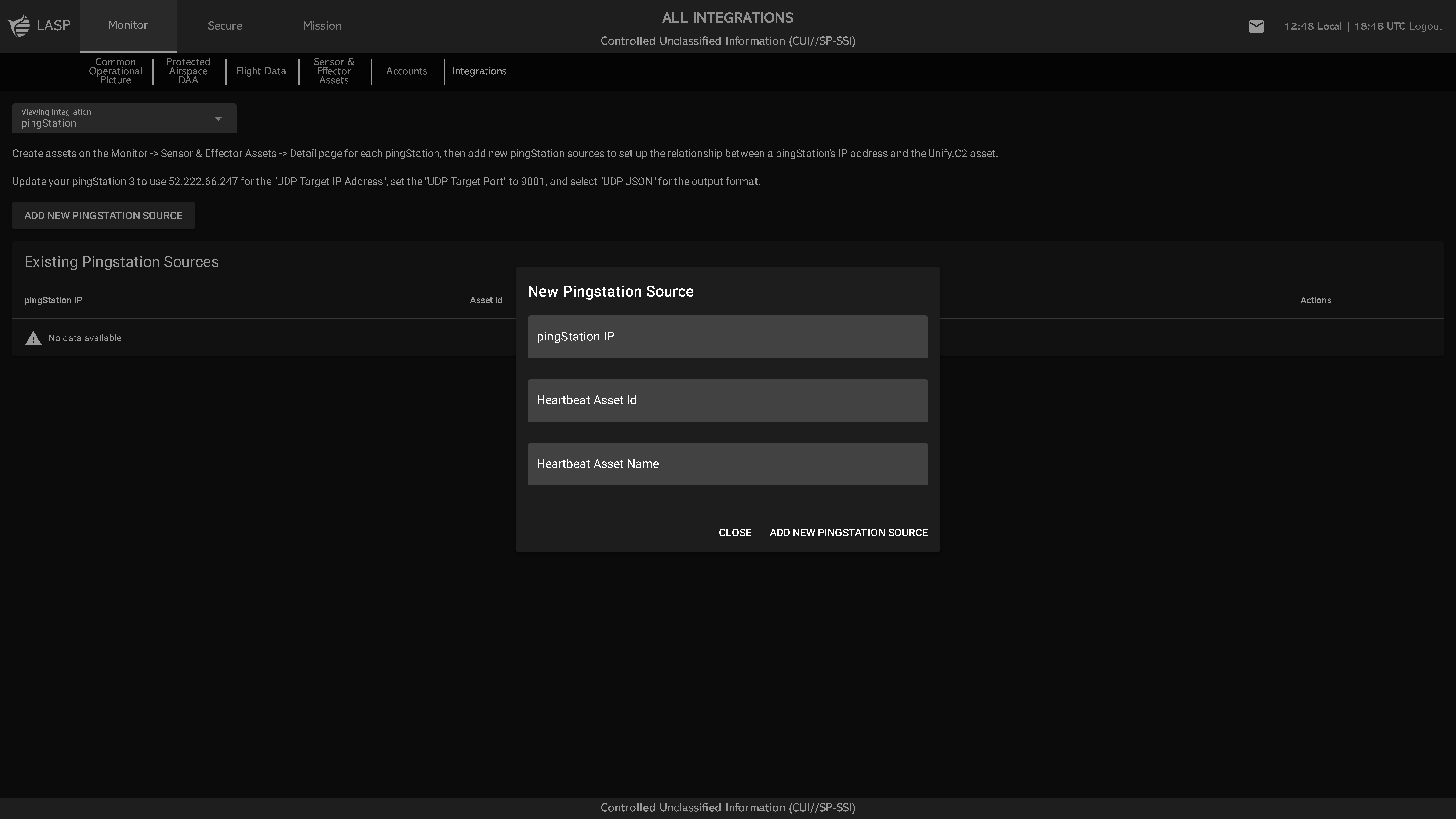
Main Table View
The table displays all configured pingStation sources with the following fields:
- pingStation IP
- Asset ID
- Asset Name
- Actions (e.g., delete or modify source)
- Green if the pingStation is actively sending heartbeat signals
- Red if the pingStation is offline or not detected
Adding New Source
Click ADD NEW PINGSTATION SOURCE to open a popup with the following input fields:
- pingStation IP
- Select Asset (Dropdown) – Select an existing asset to connect as the heartbeat source
- ADD NEW ASSET – Optional button that allows the user to create and connect a new heartbeat asset directly from the popup
Configuration Notes
- pingStations must be configured to send data to the correct IP address and port (9001).
- Refer to the Integrations page on the UNIFY.C2 website to find the correct destination IP address.
- For on-premise installations, use the on-prem server's IP address as the UDP target IP address in the pingStation configuration interface.