Ingest CRFS
The Ingest CRFS tab allows users to configure and manage inbound data sources from CRFS sensors.
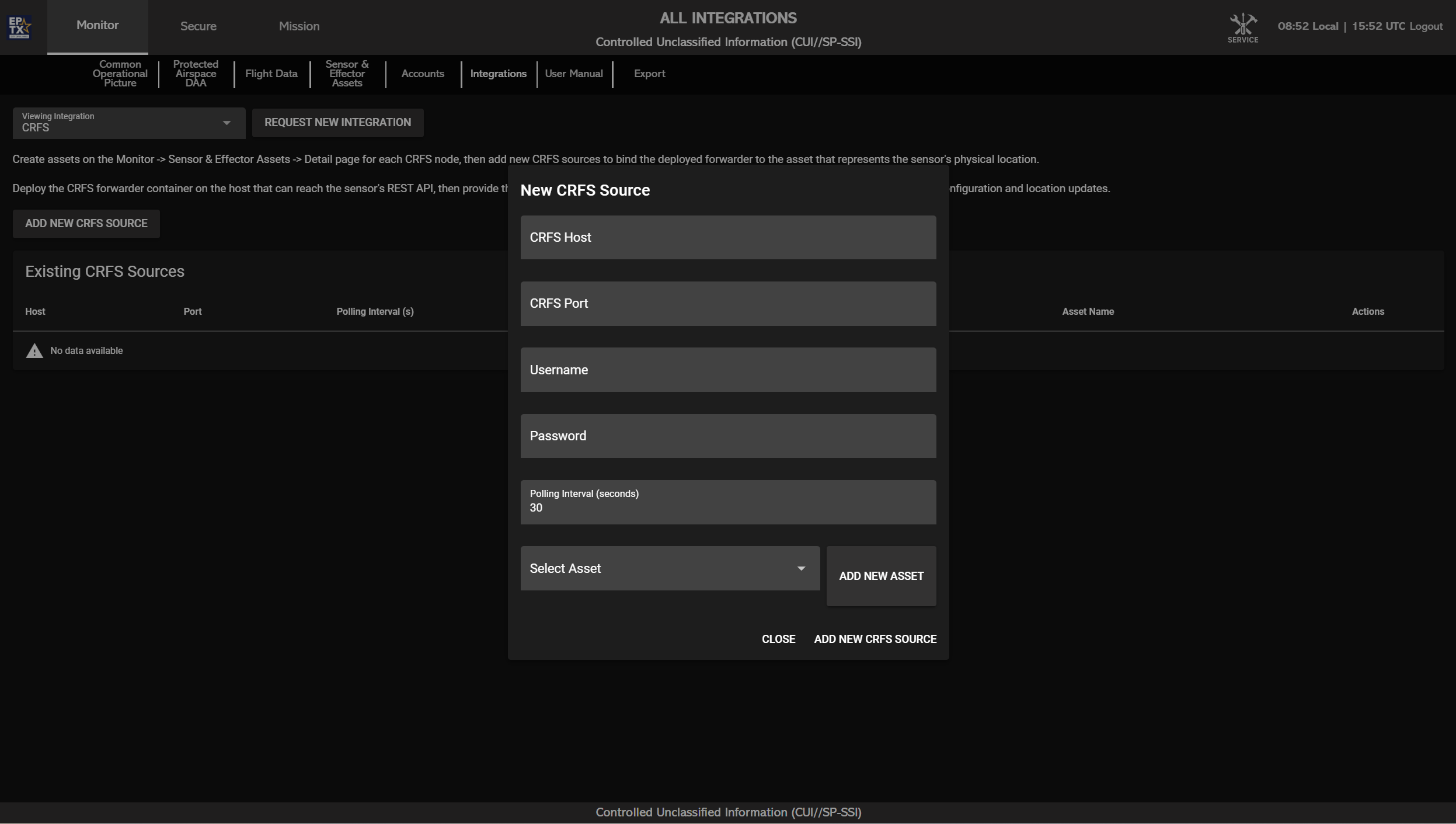
The table on this tab displays all configured CRFS
sources, showing the following fields:
Each Asset will appear:
Click the ADD NEW CRFS SOURCE button to open a
configuration popup with the following fields:
Click ADD NEW CRFS SOURCE to save and connect the
sensor, or click CLOSE to cancel the setup.
After adding the source, you should see a new popup. Please click the 'Open Ticket' button, review the details, then click 'Send' at the bottom of the form to send a JSM ticket to the UNIFY.C2 team for review to complete the integration.